
There are no products listed under this category.
Where PrimeCenter Saves You Time
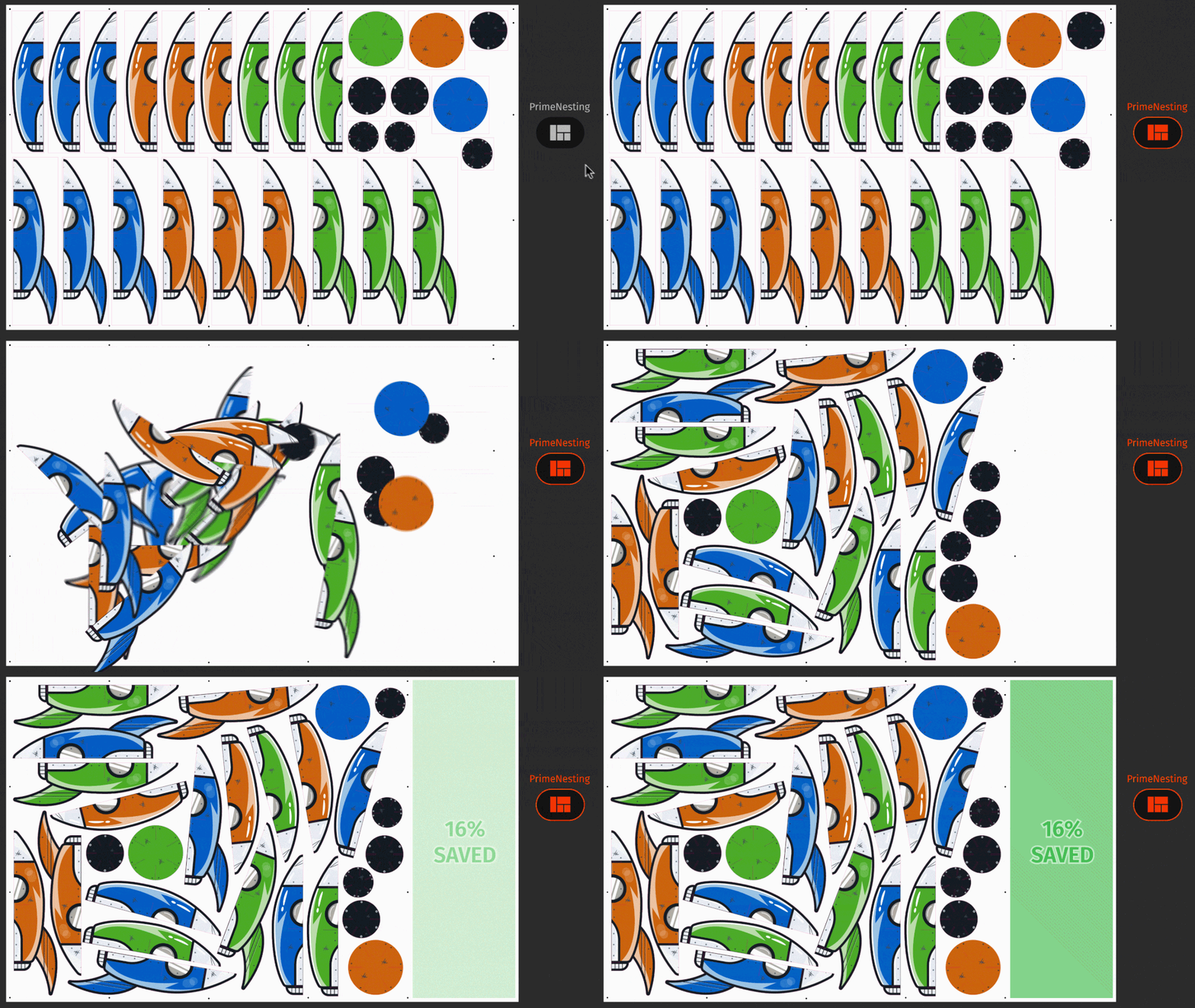
Automatic Nesting That Pays for the Media
Hand-nesting is the quiet money-loser in most shops. PrimeCenter ends it. Point it at a folder of mixed jobs and it figures out the tightest true-shape layout on its own, fitting odd sizes and irregular contours together so you cover the sheet instead of the trash can. Tighter layouts mean fewer linear feet of vinyl, film, or fabric per order, and that saving repeats on every single run for as long as you own the software.
Prep a Whole Queue at Once, Not One File at a Time
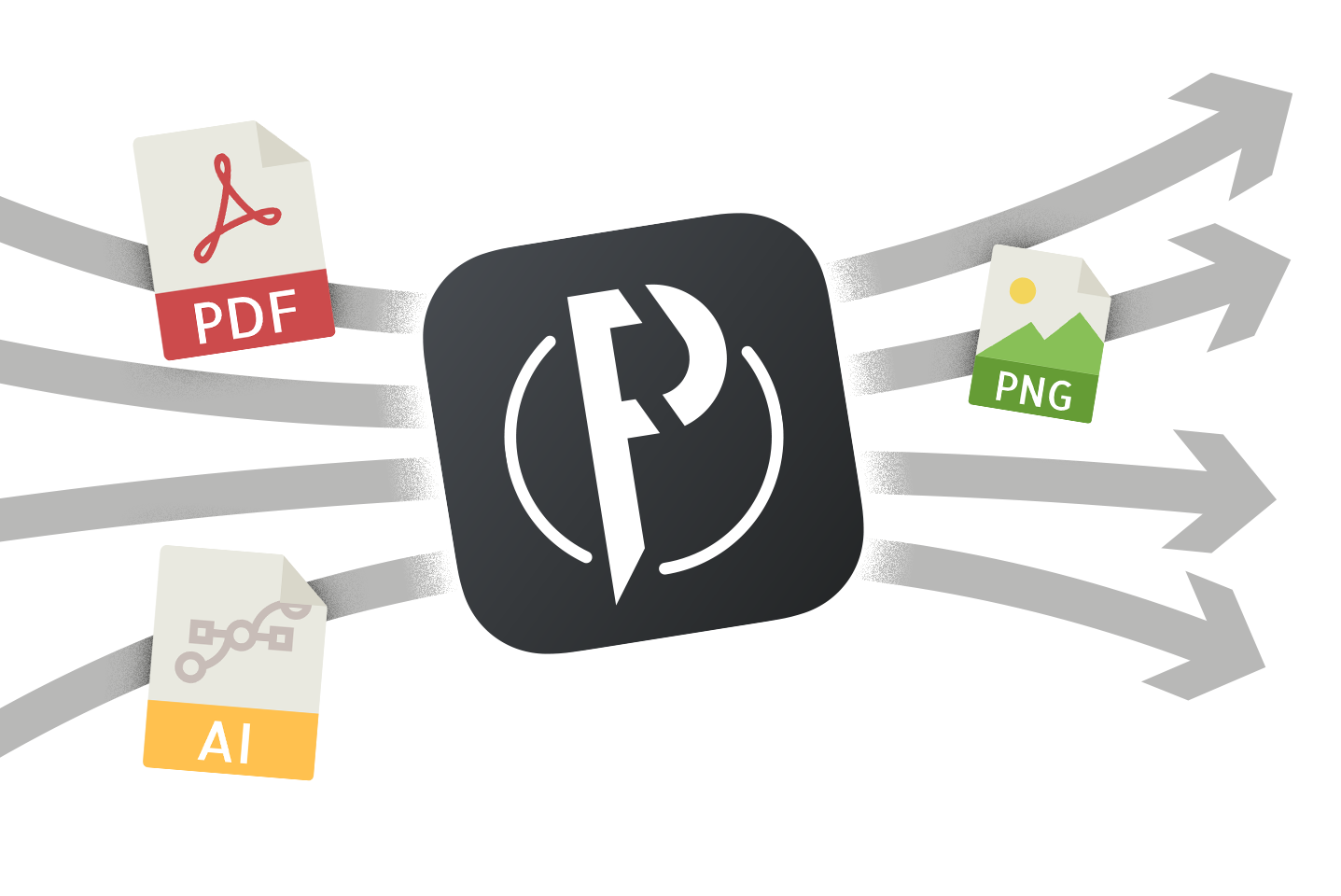
The slow part of prepress is rarely one hard file, it is the hundred easy ones. PrimeCenter processes a full batch in parallel instead of making you open, fix, and export them one by one in your design app. Build a recipe once for a job type you run all the time, then drop the day's files in and walk away. It preflights, adds bleed, builds cut contours, and corrects sizing across the entire batch while you do something that actually needs you.
Job Tags, Tear-Offs, and Marks Added for You
The little finishing details are easy to forget and expensive to miss. PrimeCenter can stamp each layout with the marks your downstream process depends on: job tags, tear-off annotations, cut and registration marks, grommet and bleed guides. Operators on the cutter and the finishing bench get the information they need printed right on the sheet, so jobs do not stall while someone hunts down which file is which.

Built for Real Production Work, Including POS and Display
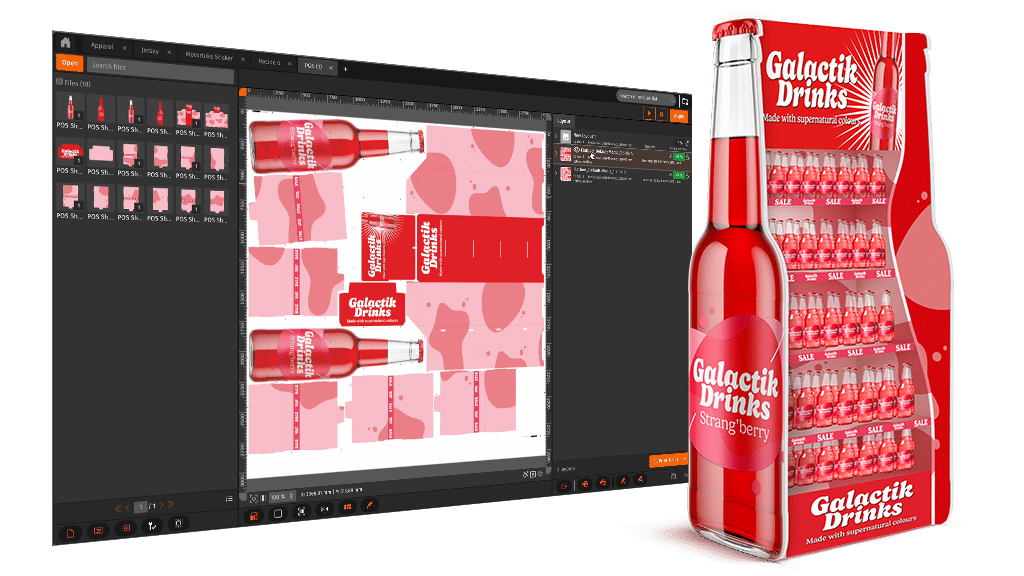
Point-of-sale and retail display work is exactly the kind of high-mix, deadline-driven job PrimeCenter was made for: lots of SKUs, lots of shapes, tight turnarounds. Set up recipes for your recurring retail and POS orders and PrimeCenter prepares them consistently every time, so a rush from a client does not turn into a late night of manual layout. The same recipes handle signage, decals, labels, and packaging proofs without you starting from scratch.
Drops Into the RIP and Cutter You Already Own
PrimeCenter is not a rip-and-replace decision. The files it produces feed straight into CalderaRIP or any RIP on the market, and it generates cut-ready output for the major cutting tables and finishing systems. You keep your printers, your cutter, and your operators' muscle memory, and you bolt on the automation. That is the whole point: more throughput without retraining your shop or rebuilding your workflow.
Right-Sized for Your Shop
PrimeCenter comes in three editions so you only pay for the automation you actually need, from a solo owner-operator up to a full prepress department. Here is how they line up.

Essentials
For Owner-Operators
You run the shop and the prepress and the front counter. Essentials trades hours of manual file setup for a handful of clicks, so you get your evenings back without hiring.
Get a Quote
Pro — Most Popular
For Growing Teams
Ready to standardize how your team preps files? Pro is the sweet spot for shops getting serious about automation, lifting output without adding headcount.
Get a Quote
Max
For High-Volume Departments
When the file volume is relentless and the deadlines are not negotiable, Max gives a large prepress team the advanced automation to keep quality high and turnaround tight.
Get a QuoteOne Prepress Engine for Every Job You Run
Indoor, outdoor, rigid, flexible
Signs & Banners POS & Retail Display Decals & Labels Vehicle Wraps Soft Signage & Textile Packaging Proofs Home Décor
If it goes through a printer and a cutter, PrimeCenter can nest it, mark it, and prep it. Build a recipe once and reuse it for every repeat order.
FEATURES
Automation & Layout
- Automatic true-shape nesting for the tightest, most economical layouts
- Packs mixed sizes and irregular shapes to cut media waste on every run
- Batch preflight, bleed, cut contours, and dimension correction in one pass
- Reusable recipes for recurring jobs, POS work, and one-off projects
- Adds job tags, tear-off annotations, and production marks automatically
Fit & Support
- Works with CalderaRIP or any RIP software on the market
- Generates cut-ready files for the major cutting and finishing systems
- Keeps your existing printers, cutters, and workflow in place
- Three editions: Essentials, Pro, and Max
- Free 15-day trial, sold and supported by Supply55 in North America
Not sure which edition fits? Tell us your file volume, your RIP, and your cutter, and we will point you to the right one and set up your trial.
Compare the Editions
Swipe the table sideways to see all columns →
| Edition | Best Fit | What You Get Out of It |
|---|---|---|
| Essentials | Owner-operators handling everything solo | Turn hours of manual file prep into a few clicks |
| Pro (Most Popular) | Growing teams standardizing automation | Lift output and consistency without adding staff |
| Max | High-volume prepress departments | Advanced automation to hold quality under heavy load |
Pricing depends on edition and configuration. Reach out for a current quote and we will match the plan to how your shop actually works.
See PrimeCenter In Action
Start Your Free PrimeCenter Trial
Tell us about your shop and we will set up a demo and a free 15-day trial of Caldera PrimeCenter on your own files. Supply55 handles sales, installation, training, and support right here in North America. Prefer to talk now? Call 734-668-0755.